@Voice Aloud Reader (TTS)
Hyperionics Technology
Downloads
10,000,000+
Version
Latest
Click to download now, finish the installation quickly, and directly unlock the all-round experience
Screenshots










Click to download now, finish the installation quickly, and directly unlock the all-round experience
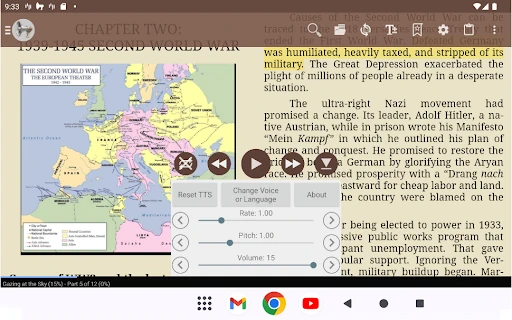
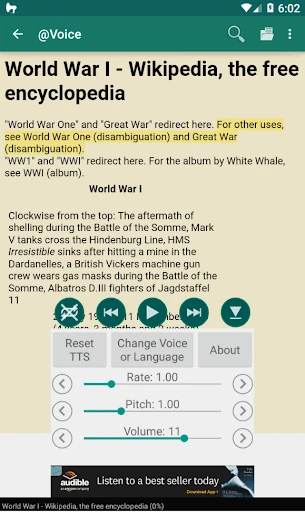
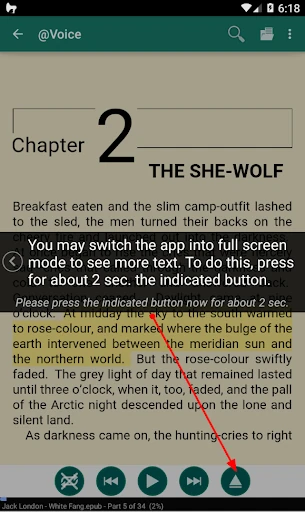
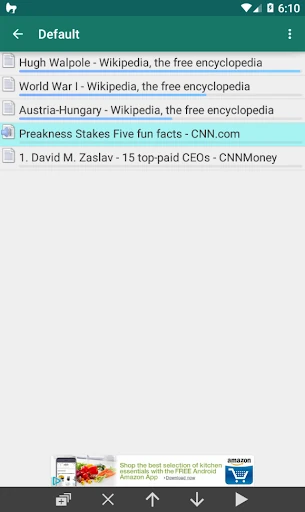
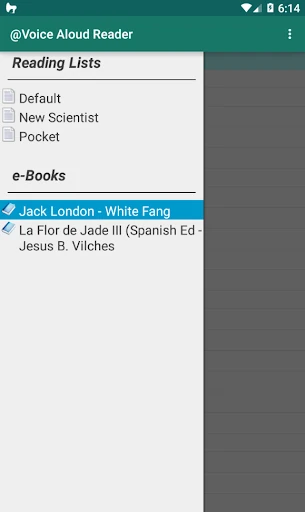
@Voice Aloud Reader turns written content into spoken audio. It is built for people who want to listen to articles, books, documents, or saved web pages instead of reading them on screen. The app can work with PDFs, ePub books, Word documents, HTML pages, and other common text sources, bringing them into one listening queue.
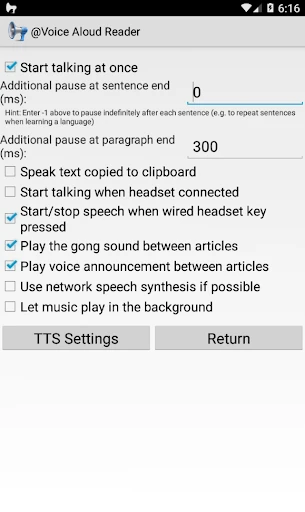
This is a practical choice for readers who need hands-free access to long-form text, including people with visual fatigue, accessibility needs, study materials, or limited time to sit and read. Background playback makes it suitable for listening while doing other tasks, while clipboard monitoring can help turn copied passages into speech without extra formatting.
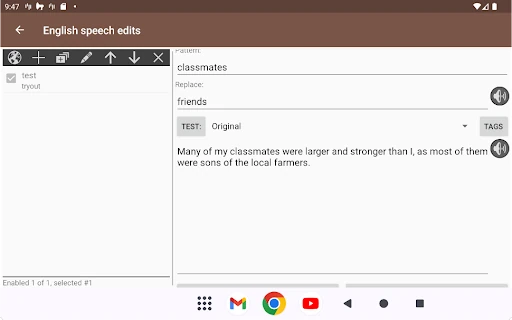
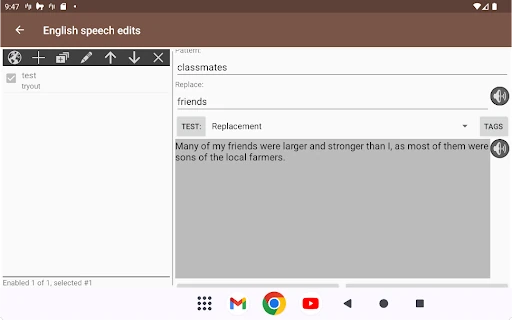
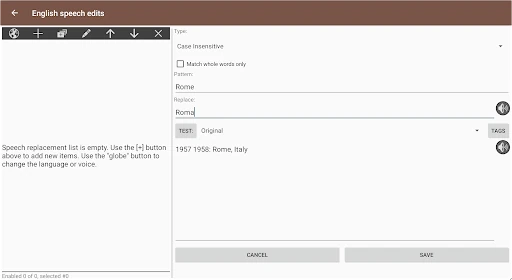
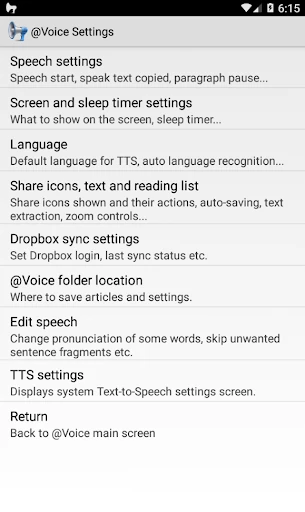
The app offers more control than a basic read-aloud button. Users can adjust how text is spoken, manage reading sessions, and use different voices for parts of dialogue where the source text supports that approach. A built-in browser helps with web articles, and translation tools can detect and read content across many languages. These options make it useful for foreign-language reading as well as ordinary articles and documents.
@Voice Aloud Reader is function-first rather than decorative. Its interface is aimed at getting text into a playable reading list and giving users control over the result. With a 4.36 rating from 135,035 reviews and 10,000,000+ installs, it has a substantial user base behind it. Developed by Hyperionics Technology, it suits anyone who wants one flexible text-to-speech reader rather than separate tools for books, web pages, and documents.